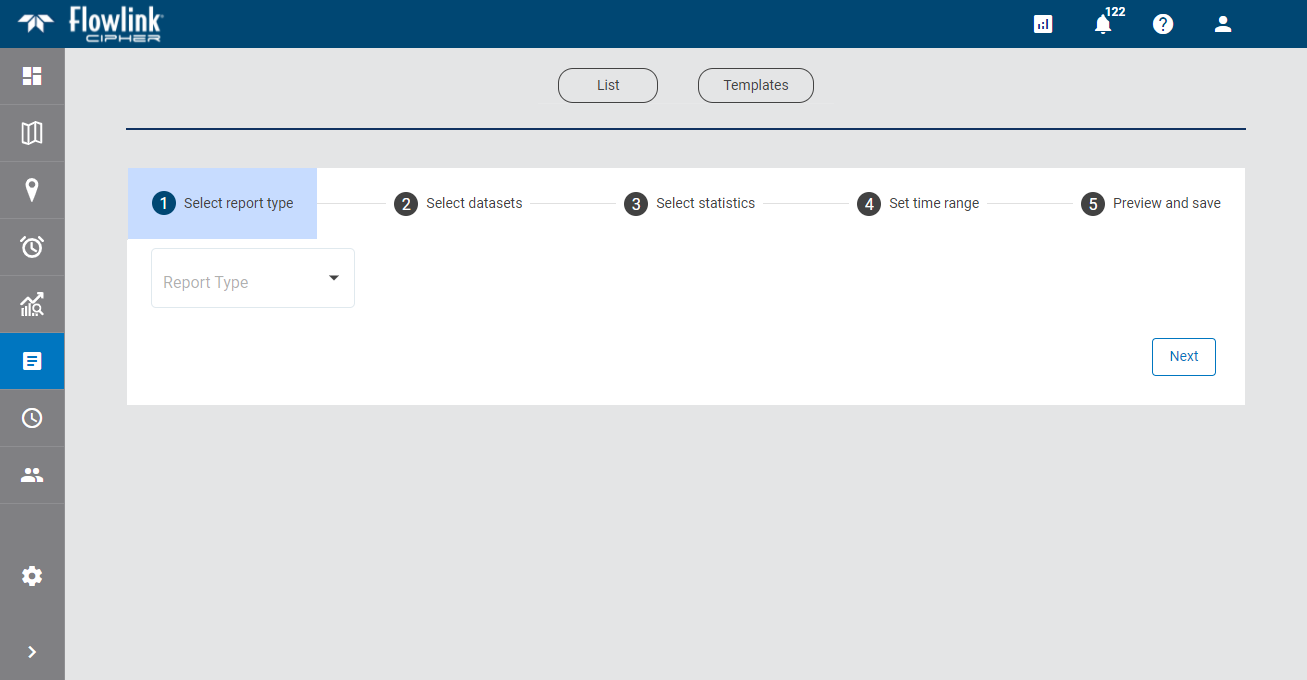
A Health Report is a table of health information for all sites in the Cipher instance. Health information includes things like the site name, its status, the timestamp of the last data push from the site, metadata about the site devices and battery voltage.
The first step in the process of creating a report is to select the report type. This determines the type of report that will be created and the fields that will be displayed in the other steps of the process.
1. Select Health Report from the drop-down list.
A preview of the report information is automatically displayed
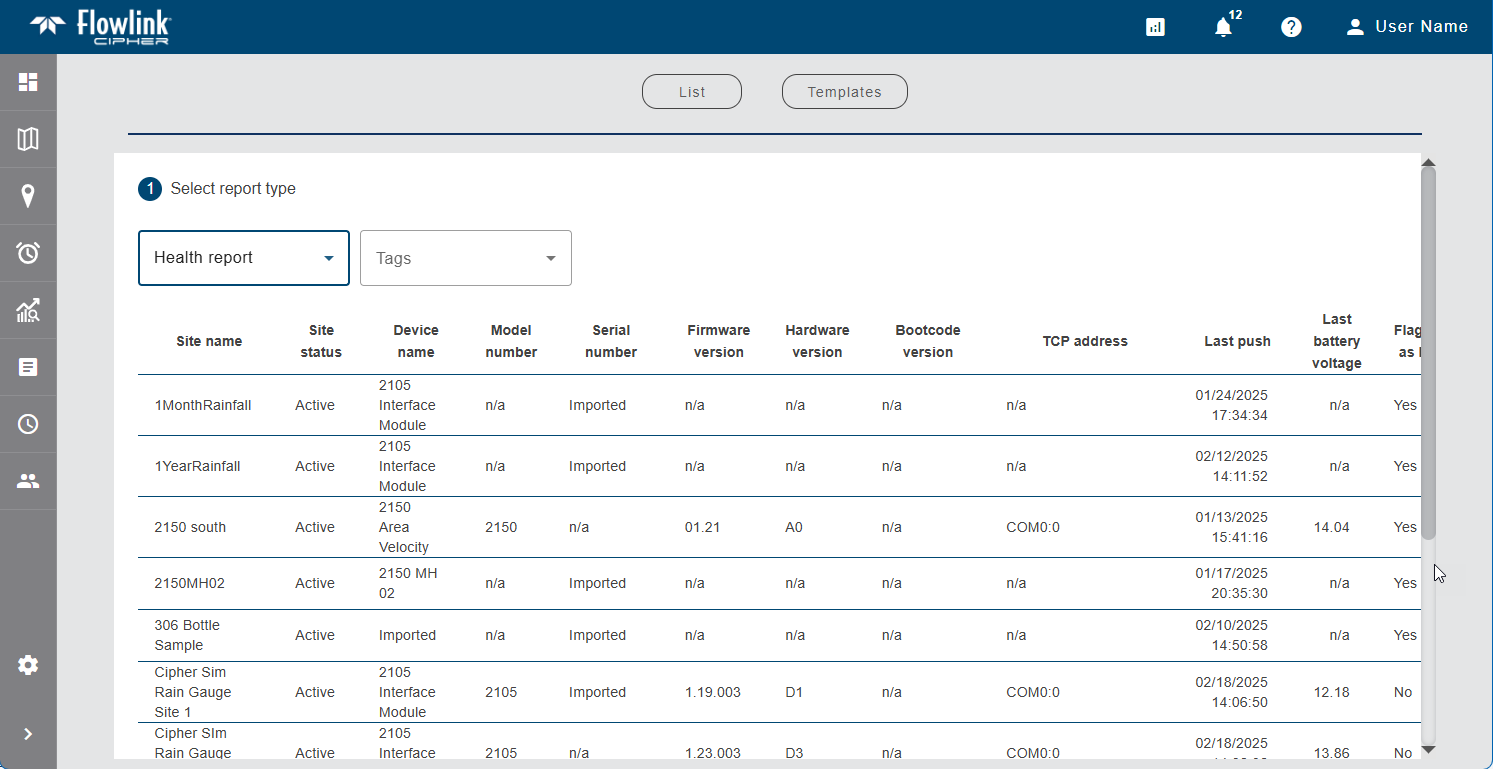
The sites included in the report can be filtered by selecting tags in the Tags drop-down list. Only sites that have been assigned the selected tags will be included in the report. The resulting table can be downloaded as a CSV file.
The Include inactive sites option can be enabled to include inactive sites in the report as well.
2. Using the buttons above the table, either:
• click Download CSV and select a location for the resulting file to save the report as a CSV file, or
• click Download PDF and select a location for the resulting file to save the report as a PDF file.
The file is saved to the specified location with a filename that identifies the type of report and the timestamp of when it was created. The file contains the site information, listed alphabetically by site name, as was shown in the preview of the report creation wizard. This completes the Health Report creation process.